Mortgage and Loan Payoff Calculator (Extra Payments, Refinance, Biweekly)
$12 · Excel (.xlsx), works in Google Sheets and Numbers
Buy for $12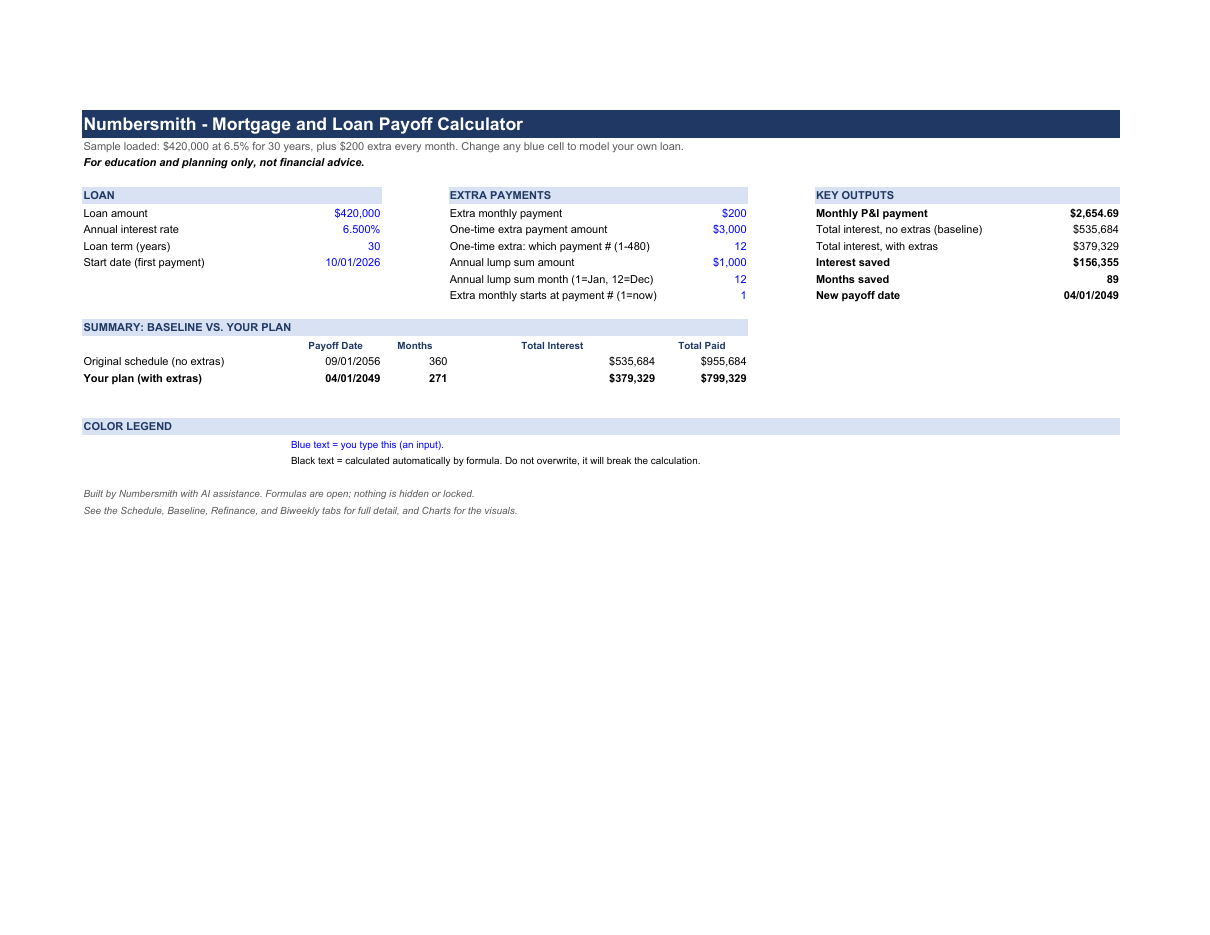
Description
See how much faster you can pay off a mortgage or loan before you send a single extra dollar. You also see how much interest you save.
Enter your loan amount, rate and term. The workbook builds a full month-by-month amortization schedule. Then it layers in an extra monthly payment, a one-time extra payment and a yearly lump sum. The extra monthly payment can start now or at any later payment number.
Calculator tab: type into the blue cells and everything updates. You get your monthly principal and interest, total interest with and without extras, interest saved, months saved and your new payoff date. A small table compares the original schedule to your plan.
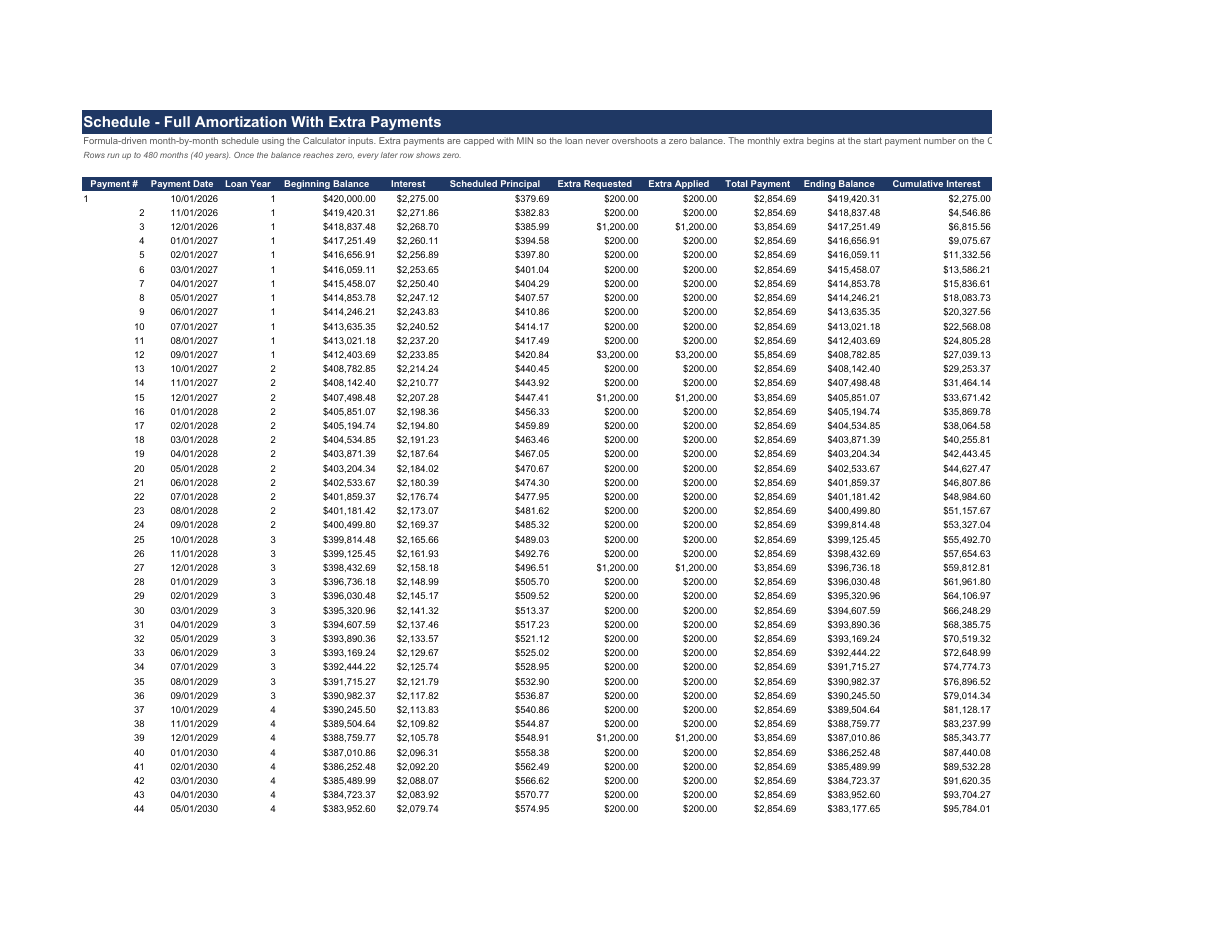
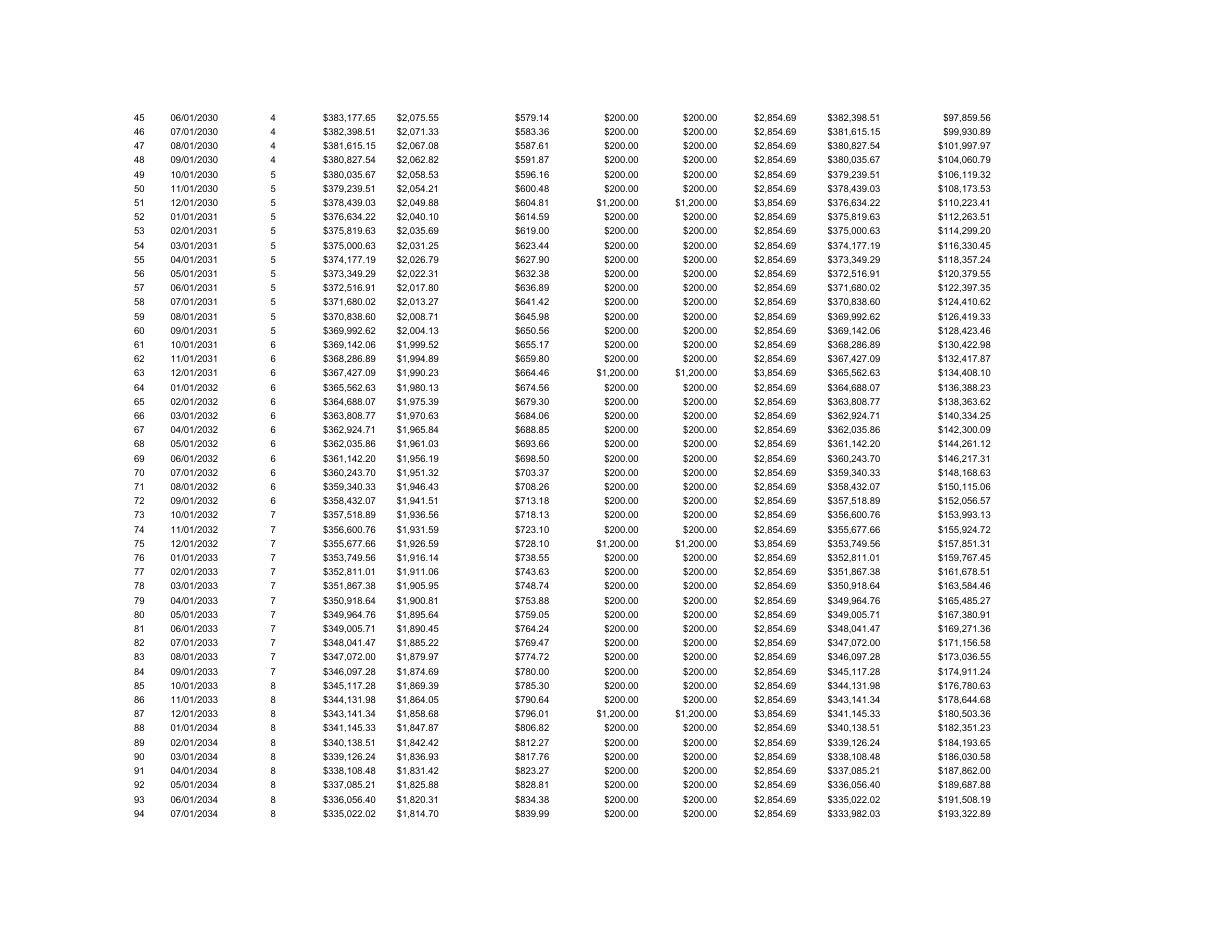
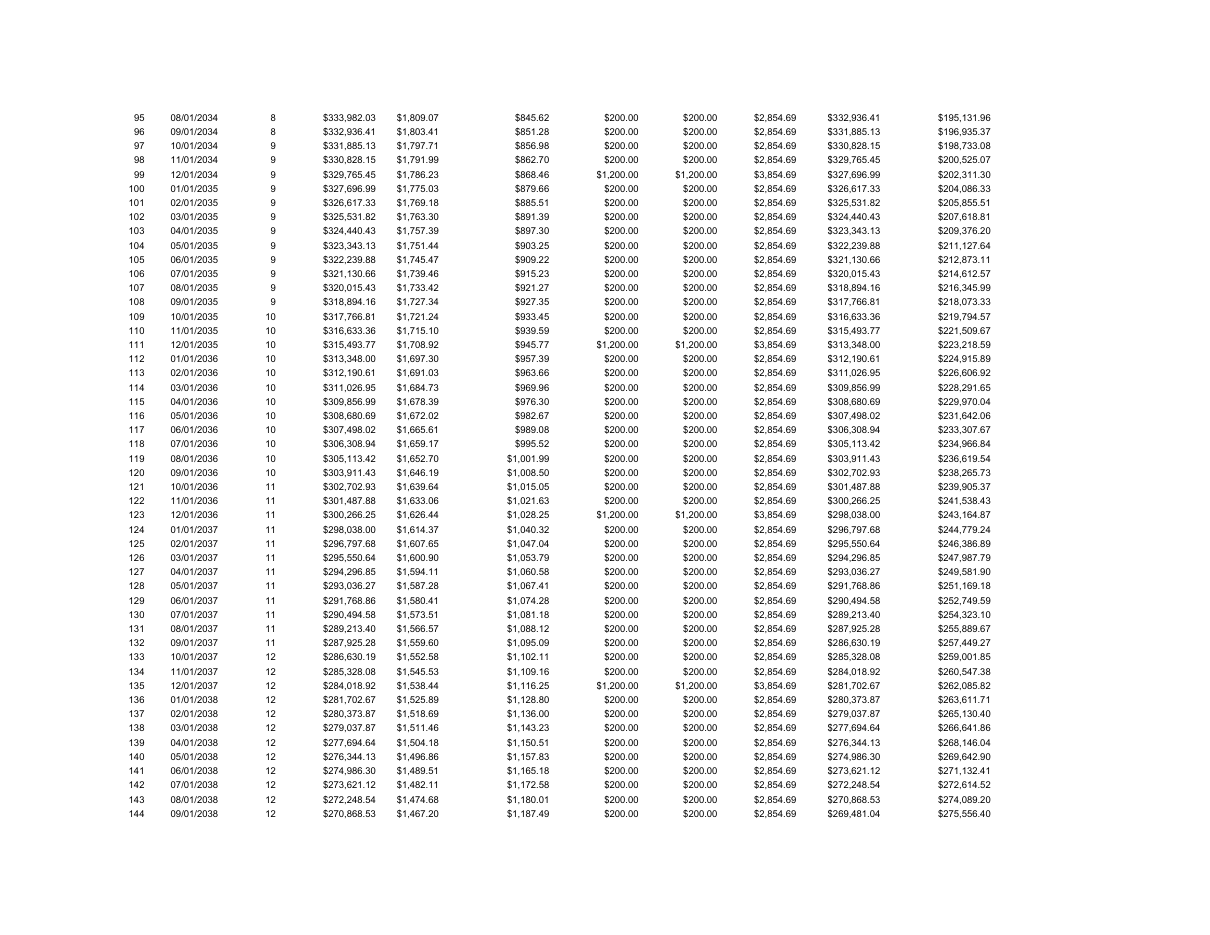
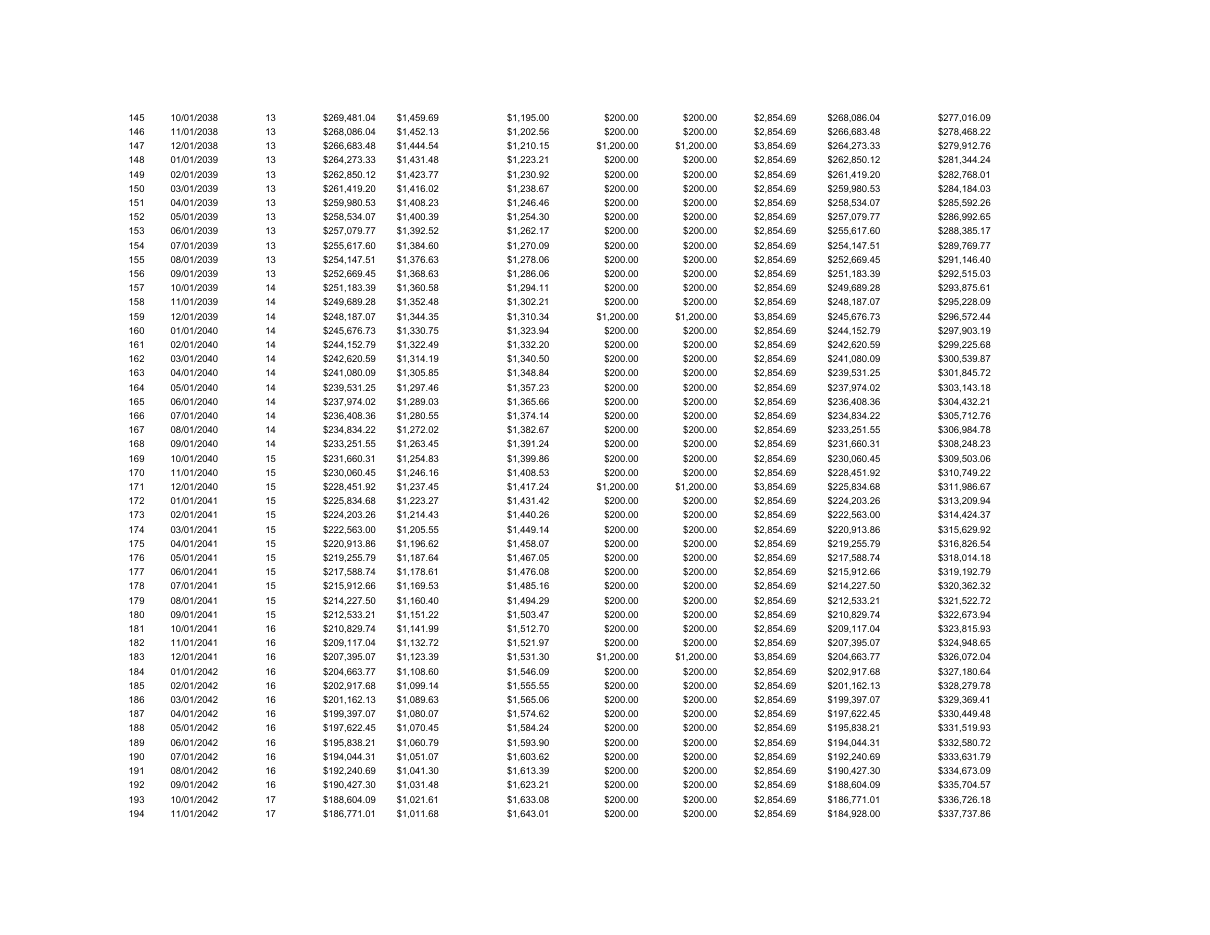
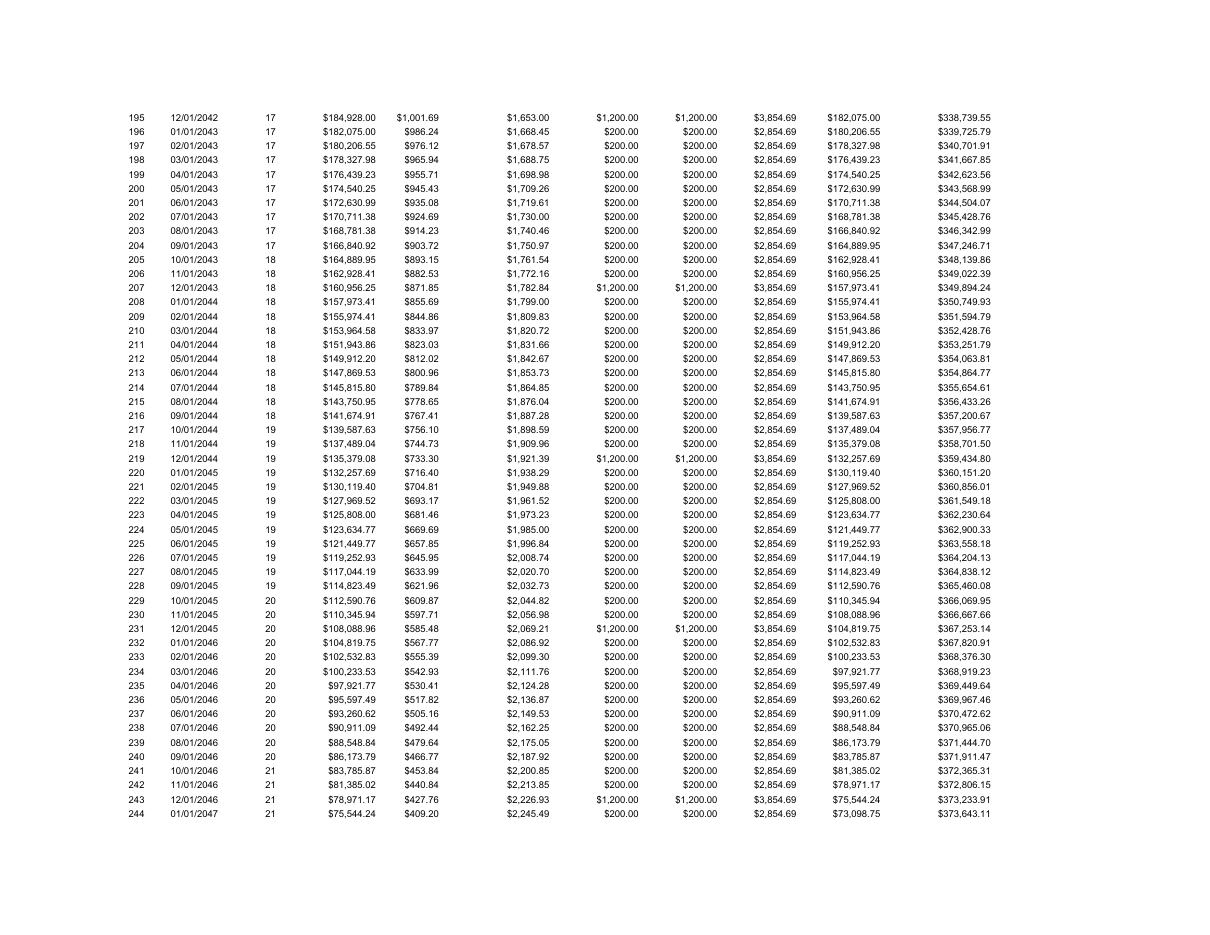
Schedule and Baseline tabs: a 480-row monthly schedule with your extras applied, next to the same loan with no extras.
Refinance tab: compares your current loan to a refinance quote you enter. It shows the break-even month on closing costs and a plain verdict.
Biweekly tab: shows what happens if you pay half your payment every two weeks instead of once a month.
Charts: your balance dropping over time and your yearly interest versus principal.
This is a planning tool, not a lender or a loan offer. It does not collect, suggest or recommend any lender, rate or loan product. You enter your own numbers. For education and planning only, not financial advice.
Every non-input number is a live formula. PMT sets the payment. MIN caps principal so a payment never overshoots a zero balance. SUMIFS builds the yearly chart totals. Nothing is hidden, locked or protected, so you can click any cell and see how it was built. Built with AI assistance and formula-checked. Works in Excel, Google Sheets and LibreOffice Calc. Delivered as a single .xlsx file. Instant digital download, no physical product ships.
What is inside
- Calculator: one-screen summary with your inputs, key outputs, a baseline versus your-plan comparison table, the color legend, and the education-only disclosure
- Schedule: full 480-row monthly amortization with your extra monthly payment (from the start payment number you choose), one-time extra payment, and annual lump sum applied, plus cumulative interest and a year helper column
- Baseline: the same loan with no extra payments, used to calculate interest saved and months saved
- Refinance: compares your current loan to a proposed refinance, with remaining balance, remaining interest, new payment, monthly payment change, break-even month on closing costs, and a verdict
- Biweekly: models paying half your payment every two weeks and shows the months and interest saved
- Charts: loan balance over time (baseline versus with extras) and annual interest versus principal by year